The Time Drain That's Killing Small Business Productivity
Scheduling conflicts, no-shows, double bookings, and coordination headaches consume an estimated 6-8 hours per week for small business owners and their teams. That's roughly 300-400 hours annually—time that could be spent on revenue-generating activities, client relationships, or strategic growth. The problem multiplies when you manage staff shifts, client appointments, and internal meetings across multiple time zones.
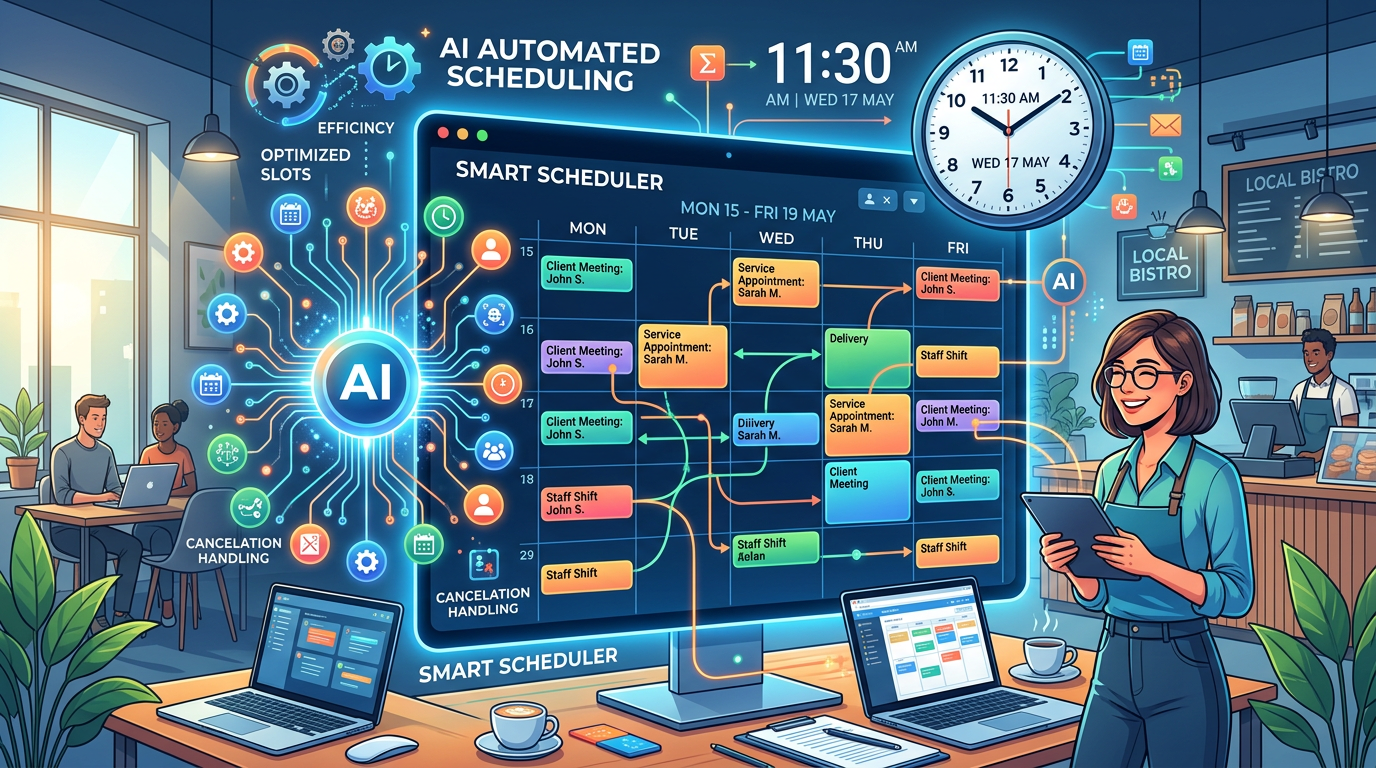
AI scheduling tools are transforming how small businesses handle this operational burden. These platforms automate appointment booking, staff rostering, meeting coordination, and resource allocation, reducing administrative overhead while improving customer experience and employee satisfaction. This guide walks you through the landscape of AI scheduling solutions, how to evaluate them for your business, and how to implement one successfully.
Why AI Scheduling Matters for Small Businesses
The Cost of Manual Scheduling
Manual scheduling introduces several layers of inefficiency. According to recent small business research, approximately 23% of scheduled appointments result in no-shows when booking is done manually or through basic calendar systems. Each no-show represents lost revenue, wasted staff time, and scheduling gaps that remain unfilled.
Beyond no-shows, small business teams spend significant time on administrative coordination:
- Phone tag and email threads confirming meeting times across time zones
- Manually balancing shift assignments to prevent burnout and turnover
- Rescheduling cascades when conflicts arise
- Overbooking during peak periods due to poor visibility
Operational Challenges Without Automation
Staff rostering presents particular challenges. Small businesses with 10-50 employees struggle to balance labor costs, employee availability, skill requirements, and compliance with scheduling rules. Manual shift management often leads to either understaffing (hurting service quality) or overstaffing (bloating labor costs).
Meeting coordination across distributed teams adds another layer of complexity. Scheduling a meeting with multiple participants across different time zones can take days through back-and-forth communication. This delay impacts decision-making speed and project timelines.
Customer Experience Impact
Customers expect seamless booking experiences. When businesses can't offer instant appointment confirmation, flexible time slots, or automated reminders, they lose bookings to competitors. AI scheduling tools address this by providing 24/7 booking availability, instant confirmations, and automatic reminders that reduce no-show rates by 30-40%.
What AI Can Automate: Four Essential Use Cases
1. Appointment Booking and Calendar Management
AI scheduling eliminates back-and-forth email exchanges. Customers visit a booking page, see available time slots based on your real-time calendar, and confirm an appointment instantly. The system automatically:
- Blocks off buffer time between appointments
- Prevents double bookings across team members
- Sends instant confirmation emails with video call links or location details
- Triggers automatic reminders 24 hours and 1 hour before the appointment
For service-based businesses (consultants, therapists, salons, legal services), this automation directly improves conversion rates and customer satisfaction.
2. Staff Rostering and Shift Management
Modern AI scheduling platforms handle complex shift assignment by considering:
- Employee availability and preferences
- Skill requirements for specific roles
- Legal break requirements and maximum shift lengths
- Fair distribution of shifts to prevent burnout
- Seasonal demand fluctuations
Employees typically access a mobile app to view their shifts, request time off, or swap shifts with colleagues. Managers receive alerts when staffing targets are at risk. This transparency reduces scheduling conflicts and improves employee retention.
3. Meeting Scheduling and Calendar Coordination
AI meeting schedulers analyze attendee calendars and availability to suggest optimal meeting times automatically. These tools integrate with email and calendar systems to:
- Propose times that work for everyone without multiple rounds of suggestions
- Handle time zone conversions automatically
- Find 30-minute slots among dozens of conflicting calendars in seconds
- Send invitations and track RSVPs
- Reschedule meetings automatically if conflicts arise
This capability alone saves teams 2-3 hours per week on meeting coordination.
4. Resource Allocation and Workload Balancing
Beyond people scheduling, AI optimizes resource allocation across projects, facilities, and equipment. For example:
- Dental practices ensure operatory availability matches appointment demand
- Fitness studios balance class capacity with instructor availability
- Event venues allocate rooms and catering resources for multiple bookings
- Field service businesses optimize technician routes and job assignments
This prevents resource conflicts and ensures consistent service quality.
AI Scheduling Tools Compared
| Tool | Best For | Key Features | Starting Price | Time Zone Support |
|---|---|---|---|---|
| Calendly | Individual consultants, simple scheduling | One-way booking, integrations, scheduling links | Free (limited) | Yes |
| Acuity Scheduling | Service providers, small teams | Forms, payment processing, client management | $15/month | Yes, automatic |
| When I Work | Shift management, restaurants, retail | Mobile scheduling, time tracking, labor forecasting | $8/user/month | Yes |
| Deputy | Enterprise-level rostering, compliance | Advanced scheduling rules, compliance management, analytics | $6.50/user/month | Yes |
| Reclaim.ai | Knowledge workers, meeting-heavy teams | Calendar intelligence, focus time protection, AI optimization | $15/month | Yes |
| Zoho Bookings | Small business service providers | Booking page, payment integration, resource management | $25/month | Yes |
| Square Appointments | Salons, spas, service businesses | POS integration, customer profiles, staff performance | $39/month | Yes |
| Doodle | Meeting coordination, group scheduling | Poll-based selection, team planning | Free (limited) | Yes |
How to Choose the Right AI Scheduling Tool
Assess Your Primary Pain Point
Different tools solve different problems. Ask yourself:
- Is my main challenge appointment no-shows and booking management? (Choose Calendly, Acuity, or Square Appointments)
- Is staff scheduling and shift coordination the bottleneck? (Choose When I Work or Deputy)
- Am I struggling with meeting coordination across a distributed team? (Choose Reclaim.ai)
- Do I need end-to-end business management including scheduling? (Choose Zoho Bookings or Square Appointments)
Evaluate Integration Capabilities
Your scheduling tool must integrate with systems you already use:
- Calendar systems (Google Calendar, Outlook, iCal)
- Payment processors (Stripe, PayPal, Square)
- CRM platforms
- Communication tools (Slack, email)
- Project management systems
Ask vendors about their API documentation and pre-built integrations.
Consider Your Team's Technical Comfort
If your team isn't tech-savvy, prioritize tools with intuitive interfaces and strong customer support. When I Work and Calendly excel in this area. If your team is technical, tools like Reclaim.ai offer deeper customization and automation possibilities.
Evaluate Pricing Structure
Understand how vendors price their products:
- Per-user licensing (When I Work, Deputy)
- Per-business flat rate (Calendly premium, Acuity)
- Tiered features (most tools)
- Transaction-based fees (some payment processors)
Calculate the total cost for your organization, including all team members and expected usage.
Implementation Guide: Four Steps to Success
Step 1: Prepare Your Calendar Infrastructure
Before implementing any tool, audit your current calendar situation:
- Ensure all team calendars are synced and up to date
- Document your current booking process and pain points
- Identify which calendars should be visible to the scheduling tool
- Establish time zone standards across your organization
This preparation prevents misconfigurations that lead to double bookings or poor resource allocation.
Step 2: Configure Rules and Availability
Work with your team to establish scheduling rules:
- Define working hours for each team member or role
- Set buffer times between appointments (e.g., 15 minutes for travel)
- Configure automatic reminders and their timing
- Establish escalation rules for conflicts or overages
- Set break requirements for compliance
Document these rules clearly so implementation remains consistent.
Step 3: Integrate with Existing Systems
Connect your scheduling tool to:
- Your calendar system (primary integration)
- Payment processing if you collect fees at booking
- Your CRM or customer database
- Email and communication platforms
- Any custom business systems via API
Test each integration thoroughly before going live to prevent data synchronization issues.
Step 4: Train Your Team and Communicate with Customers
Deploy the system gradually rather than cutting over overnight:
- Train staff on using the new system with hands-on sessions
- Update your website and booking page with the new scheduling link
- Communicate the change to existing and prospective customers
- Monitor early usage for problems and edge cases
- Refine settings based on initial feedback
Most implementation issues surface during the first two weeks; plan to spend time troubleshooting.
Key Considerations for Successful Deployment
Time Zone Complexity
If your team or customers span multiple time zones, ensure your tool:
- Displays appointments in each person's local time
- Prevents scheduling during customer's "off hours" (e.g., no 2 AM bookings)
- Handles daylight saving time transitions automatically
- Provides clear time zone labels in all communications
Misconfiguration here is a common source of missed appointments.
Customer Preferences and Communication
Different customer segments prefer different booking methods. Some customers want instant digital confirmation; others expect a phone call. Your scheduling tool should:
- Support multiple booking confirmation channels (email, SMS, push notification)
- Allow customers to specify their communication preferences
- Provide different booking flows for different customer types
- Integrate with your existing customer communication patterns
Integration with Existing Workflows
A scheduling tool that requires completely new workflows faces adoption resistance. Instead:
- Choose tools that fit naturally into how your team already works
- Minimize training requirements by selecting intuitive interfaces
- Ensure the tool connects to systems your team already uses daily
- Start with scheduling-only functionality before adding advanced features
Security and Data Privacy
Scheduling tools handle sensitive information (customer contact details, employee availability, payment data). Verify:
- The tool uses encryption for data in transit and at rest
- They comply with relevant privacy regulations (GDPR, CCPA, etc.)
- They offer role-based access controls
- They maintain audit logs of who accesses what data
- They have clear data retention and deletion policies
The Bottom Line
AI scheduling tools are no longer luxury add-ons for large enterprises—they're essential operational tools for small businesses competing in today's market. By automating appointment booking, staff rostering, meeting coordination, and resource allocation, these tools free up 5-10 hours per week of administrative time while simultaneously improving customer experience and employee satisfaction.
The right tool depends on your specific pain points. Service businesses with appointment challenges should prioritize booking automation. Staffing-heavy operations should focus on shift management and labor forecasting. Meeting-heavy organizations benefit most from calendar intelligence and meeting optimization.
Start with a clear assessment of your biggest scheduling challenge, choose a tool that directly addresses it, and implement systematically with your team's involvement. Most small businesses see measurable ROI within 3-6 months as administrative overhead decreases and operational efficiency improves.
Learn more about AI implementation for small business and building your first AI-powered team to understand how scheduling automation fits into your broader automation strategy.
Frequently Asked Questions
How much time can AI scheduling really save?
Most small businesses report 5-10 hours per week in administrative time savings, primarily from eliminated email coordination and manual shift assignment. Service businesses with high appointment volumes see the highest impact. The exact savings depend on your current process and scheduling complexity. Track time metrics for 2-4 weeks before and after implementation to measure your specific ROI.
Will customers actually use an automated booking system?
Yes, when it's convenient. Studies show customers prefer instant booking over phone calls or emails. However, success requires making the booking page easy to find, mobile-friendly, and trusted-looking. Businesses that promote their booking link in email signatures, website headers, and marketing materials see adoption rates above 70% within the first month.
What happens if our scheduling tool fails?
Redundancy is critical for critical operations. Have a backup process (e.g., Google Calendar with manual backup management) ready to activate immediately. Most established scheduling vendors operate with 99.5%+ uptime, but outages do happen. Test your backup process quarterly to ensure your team can execute it quickly if needed.
Can AI scheduling handle complex staffing scenarios?
Modern AI scheduling platforms handle complex rules including skill requirements, license restrictions, availability patterns, fatigue management, and compliance rules. However, extremely complex scenarios (e.g., union requirements, rotating specialty assignments across 500+ people) may require enterprise solutions or custom development. Start with your most straightforward scheduling challenge before tackling complex scenarios.
How do we handle customers who insist on speaking to someone?
Most businesses maintain a phone line for scheduling alongside automated booking. Position the automated system as the convenient option and the phone line as the white-glove alternative. Set expectations that phone bookings may take longer to confirm. This hybrid approach satisfies both customer preferences and maximizes automation benefits. Track which customers use which channel to understand segment preferences.