Why AI Hiring for Small Business Matters
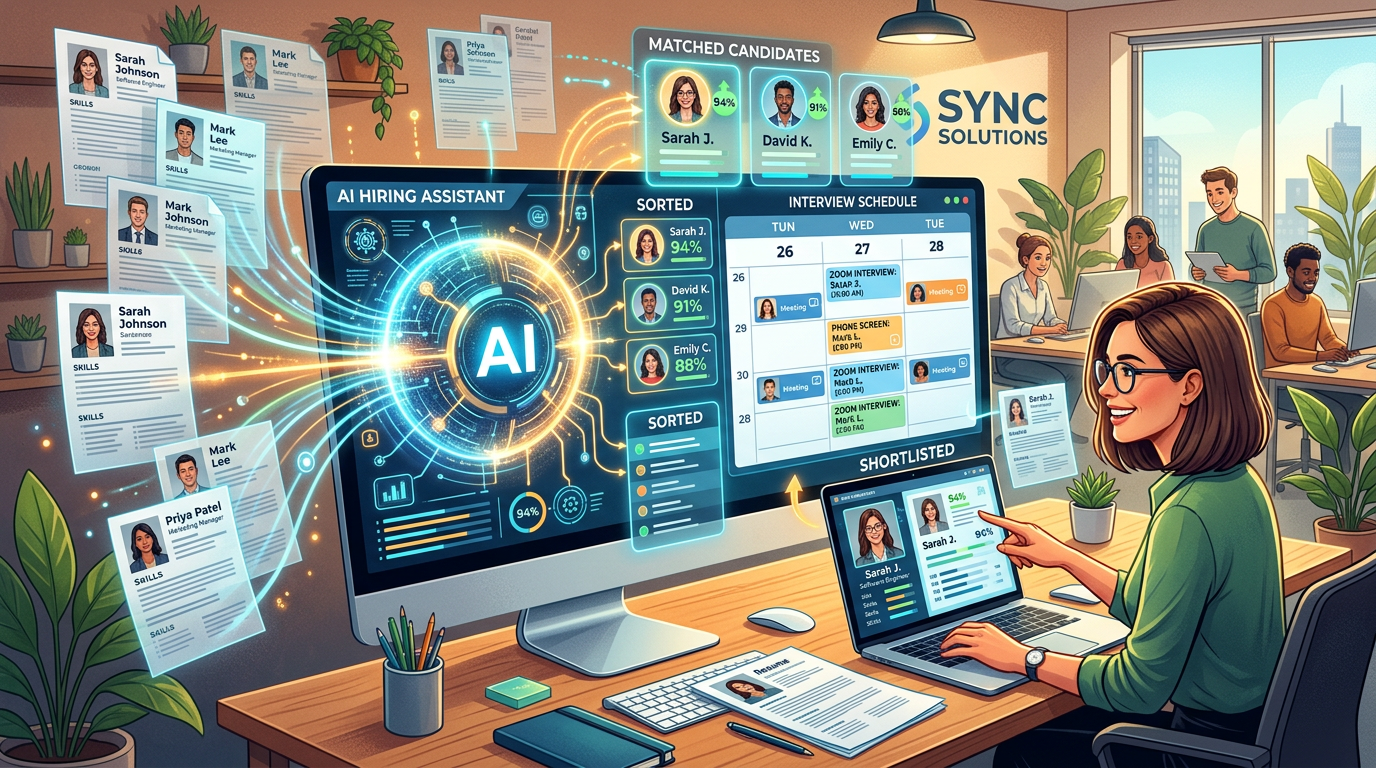
For small business owners, hiring is one of the most time-consuming and expensive functions. When you're juggling operations, sales, and growth, recruiting shouldn't consume 30 hours per week of your time. Yet most SMBs struggle with mountains of resumes, scheduling chaos, and the constant challenge of finding qualified candidates. This is where AI hiring tools change the game. By automating the repetitive parts of recruiting—resume screening, interview scheduling, candidate sourcing, and initial assessments—you can focus on what matters most: meeting and assessing top talent.
The stakes are high. According to the Society for Human Resource Management (SHRM), the cost of replacing an employee can range from 50% to 200% of their annual salary, depending on the role. For a small business replacing even one mid-level employee, that's tens of thousands in hidden costs. Poor hiring decisions drain resources, disrupt team morale, and derail projects. AI hiring tools help you make smarter decisions faster by identifying the strongest candidates earlier in the process while preserving the human judgment that builds great teams.
Why AI Hiring Matters for SMBs: The Business Case
The Cost of Bad Hires
Small businesses can't afford hiring mistakes. Every bad hire compounds: wasted training time, lost productivity, team disruption, and the cost of finding and onboarding a replacement. SHRM research shows the average cost-per-hire is $4,700, but turnover costs—including recruitment, training, and lost productivity—can reach $15,000 to $50,000+ for a single employee departure.
Time-to-Fill Reality
The average time-to-fill for a position is 42 days. For small businesses, this often extends to 60-90 days because recruiting isn't someone's full-time job—it's squeezed between your regular responsibilities. During those 90 days, projects slow, existing staff carry extra load, and customer service may suffer. AI hiring tools can compress time-to-fill to 14-21 days by automating screening and identifying top candidates immediately.
The Volume Problem
A single job posting attracts 100-300+ applications. Manually reviewing each resume takes 5-10 minutes per candidate. At the low end, that's 8-16 hours of work just to screen applications. AI hiring tools can review all 300 applications in minutes, flagging only your best candidates.
What AI Can Automate in Your Hiring Process
1. Resume Screening and Candidate Ranking
AI resume screening tools analyze CVs against your job requirements in seconds. They extract key qualifications—experience level, technical skills, education, certifications—and score candidates on fit. Instead of manually reviewing 200 resumes, you see a ranked list of your top 15 candidates. The AI learns your hiring patterns over time, improving accuracy. Many tools let you set specific must-haves (e.g., "5+ years Python experience") and nice-to-haves, so you're surfacing only viable candidates.
2. Interview Scheduling and Calendar Coordination
Coordinating schedules between candidates and your team is a logistical nightmare. AI scheduling tools integrate with your calendar and automatically send candidates available time slots. The candidate selects a time, and the AI books it, sends confirmations, and handles reminders. This eliminates 10-15 back-and-forth emails per hire and reduces no-shows by 30-40%.
3. Candidate Sourcing and Passive Recruitment
Instead of passively waiting for applications, AI sourcing tools actively search job boards, LinkedIn, GitHub, and other platforms to identify candidates matching your profile. Some tools build candidate pipelines, automatically reaching out to prospects and gauging interest. This transforms recruiting from reactive to proactive, ensuring you find talent before competitors do.
4. Pre-Screening and Skills Assessment
AI-powered assessments evaluate candidates on technical skills, soft skills, and cultural fit before they meet your team. Coding assessments for developers, writing tests for content roles, or aptitude tests for sales positions—these tools run automatically and give you objective data on each candidate's capabilities. This reduces wasted interview time on unqualified prospects.
Top AI Hiring Tools Compared
| Tool | Best For | Key Features | Pricing | Small Biz Rating |
|---|---|---|---|---|
| Breezy HR | All-in-one recruiting | Resume parsing, interview scheduling, collaborative hiring, candidate CRM | $99-399/month | 9/10 |
| Zoho Recruit | Integrated HR workflows | AI-powered candidate matching, email automation, job board posting, analytics | $50-99/month | 8/10 |
| Workable | Scale-friendly recruiting | Resume screening, skill assessments, video interviews, onboarding | $99-299/month | 8.5/10 |
| Manatal | Budget-conscious SMBs | AI resume parsing, collaborative tools, 1-click job posting, candidate scoring | $49-199/month | 8/10 |
| Lever | Modern hiring workflows | AI-assisted sourcing, interview notes, offer management, seamless integrations | $150-400/month | 8/10 |
| iCIMS | Enterprise-scale (complex setup) | AI matching, talent marketplace, predictive analytics, mobile-first | Custom pricing | 7/10 |
| Bullhorn | Staffing and recruiting agencies | AI candidate ranking, CRM integration, mobile app, compliance tracking | Custom pricing | 7.5/10 |
| HireVue | Video-first interviews | AI video analysis, one-way interviews, psychometric assessments, diversity tracking | Custom pricing | 6.5/10 |
How to Choose the Right AI Hiring Tool
Choosing the right tool depends on five factors:
1. Your Hiring Volume and Frequency If you hire 5-10 people per year, a simple scheduling and resume-screening tool like Manatal or Zoho Recruit is sufficient. If you're hiring 20+ annually, invest in an all-in-one platform like Breezy HR or Workable with integrated sourcing and assessment.
2. Integration Needs Does the tool connect to your calendar (Google, Outlook), job boards (LinkedIn, Indeed, Monster), background check services, and your existing HR system? Tight integrations save 5-10 hours per hire on manual data entry.
3. Ease of Use Your hiring team isn't tech-savvy? Prioritize tools with intuitive interfaces and strong support. Breezy HR and Workable are known for user-friendly designs. More complex tools like iCIMS require heavier setup.
4. Budget Most SMB tools cost $50-300/month. Calculate ROI: if a tool saves your team 20 hours/month and you bill internally at $50/hour, the tool pays for itself if it costs under $1,000/month. Most do.
5. AI Sophistication vs. Simplicity Some tools offer basic resume parsing. Others have advanced matching, predictive analytics, and bias detection. For SMBs, mid-tier tools (Breezy, Manatal, Zoho Recruit) balance AI power with simplicity.
Step-by-Step Implementation Guide
Phase 1: Audit Your Current Hiring Process (Week 1) Map out exactly how you hire now. Time each stage: sourcing (hours), resume review (hours), scheduling (hours), interviewing, decision-making. Identify the biggest time sinks. Most SMBs find resume screening consumes 40% of recruiting time.
Phase 2: Define Your Job Requirements (Week 1-2) Be specific about must-haves: years of experience, technical skills, education, certifications. The more precise your criteria, the better AI matching works. Avoid vague language. Instead of "experienced," specify "5+ years in SaaS B2B sales."
Phase 3: Pilot with One Tool (Week 2-3) Start with one open position. Use your chosen tool to post the job, auto-screen resumes, and schedule interviews. Track: time saved, candidate quality (did you find better candidates?), team satisfaction, and cost per hire. This real-world test reveals whether the tool fits.
Phase 4: Train Your Team (Week 3) Spend 2-3 hours training hiring managers on the new tool. Show them how to review AI-screened candidates, schedule interviews, and access reports. Most tools offer built-in training resources and webinars.
Phase 5: Full Rollout and Optimization (Week 4+) Use the tool for all open positions. After 2-3 hires, assess: Did the tool reduce time-to-fill? Did you hire better talent? Adjust AI screening criteria based on outcomes. If you made a bad hire, flag it so the AI learns not to repeat that pattern.
Key Considerations: Bias, Compliance, and Candidate Experience
AI Bias in Hiring
AI hiring tools are trained on historical data. If your past hiring favored certain demographics, the AI will replicate that bias. To mitigate: regularly audit AI outputs for demographic skew, use tools with bias-detection features (Workable and Lever offer this), and maintain human review of AI decisions. AI should be a filter, not a replacement for human judgment on final decisions.
Legal Compliance
Hiring is heavily regulated. Before deploying AI tools, ensure they comply with EEOC guidelines, GDPR (if you hire internationally), and state-specific hiring laws. Ask vendors directly: "Does your tool comply with EEOC guidance on AI hiring?" Reputable platforms like Workable and Lever publish compliance documentation. Keep records of why candidates were rejected to defend against discrimination claims.
Candidate Experience
Over-automating looks impersonal. Candidates want human interaction, especially for senior roles. A balanced approach: use AI for initial screening and scheduling, but ensure humans make final decisions and conduct at least one human interview. Send personalized rejection emails, not generic automated ones. Candidates talk—a bad experience spreads.
How AI Hiring Fits Into Broader Business Automation
AI hiring is part of a larger automation strategy. Once you hire the right person, AI agents for small business can help them onboard faster and stay productive. Similarly, understanding AI skills gaps helps you know what to hire for, and small business AI strategy ensures hiring aligns with your growth plans.
To learn more about automating other parts of your business, read how to implement AI automation. And if you're also looking to streamline scheduling across your business, check out our AI scheduling guide.
The Bottom Line
AI hiring tools don't replace human judgment—they amplify it. They eliminate tedious screening so you spend time on what matters: building culture, assessing fit, and making smart hiring decisions. For small businesses, this means faster time-to-fill, fewer bad hires, and teams that stay focused on growth instead of recruiting chaos.
Start small: pick one tool, pilot with one position, and measure results. Most SMBs see ROI within 3-4 hires. The money saved on a bad hire prevents paying for a tool for a year. The time saved lets your team focus on customers and strategy. In small business, those are invaluable.
FAQ
Q: Will AI hiring tools discriminate against underrepresented candidates? A: AI tools can inherit bias from training data, but modern tools include bias-detection features and explainability reports. To minimize bias, regularly audit AI decisions for demographic skew, set diverse recruiting sourcing (recruit on platforms beyond LinkedIn), and maintain human review of final decisions. AI should shortlist candidates; humans should make final calls.
Q: Can AI evaluate soft skills or cultural fit? A: AI is better at evaluating hard skills (technical abilities, certifications) than soft skills. For cultural fit, some tools use personality assessments or video interviews with AI analysis, but these are imperfect. Always pair AI assessment with human interviews where you directly evaluate personality, communication, and values fit.
Q: How long does it take to see ROI from an AI hiring tool? A: Most SMBs see ROI within 3-4 hires. If a tool costs $100/month and saves 10 hours per hire at $50/hour value, that's $500 saved per hire. The tool pays for itself on the first hire. If it helps you avoid one bad hire per year, the savings are $15,000+.
Q: What if candidates don't apply because the process looks too automated? A: Some candidates worry about automated bias or impersonal treatment. Combat this: use AI for internal screening only, maintain human touchpoints (a personalized email from your CEO for finalists), and be transparent about how you use AI. A balanced approach preserves candidate experience while gaining efficiency.
Q: How do I ensure compliance when using AI hiring tools? A: Ask your vendor for SOC 2 compliance certification, EEOC compliance documentation, and data privacy policies (especially GDPR if relevant). Maintain records of hiring decisions and AI reasoning to defend against discrimination claims. Regularly audit your tool's outcomes for bias or patterns that suggest unlawful discrimination. Have a lawyer review your hiring process if you operate in heavily regulated industries.