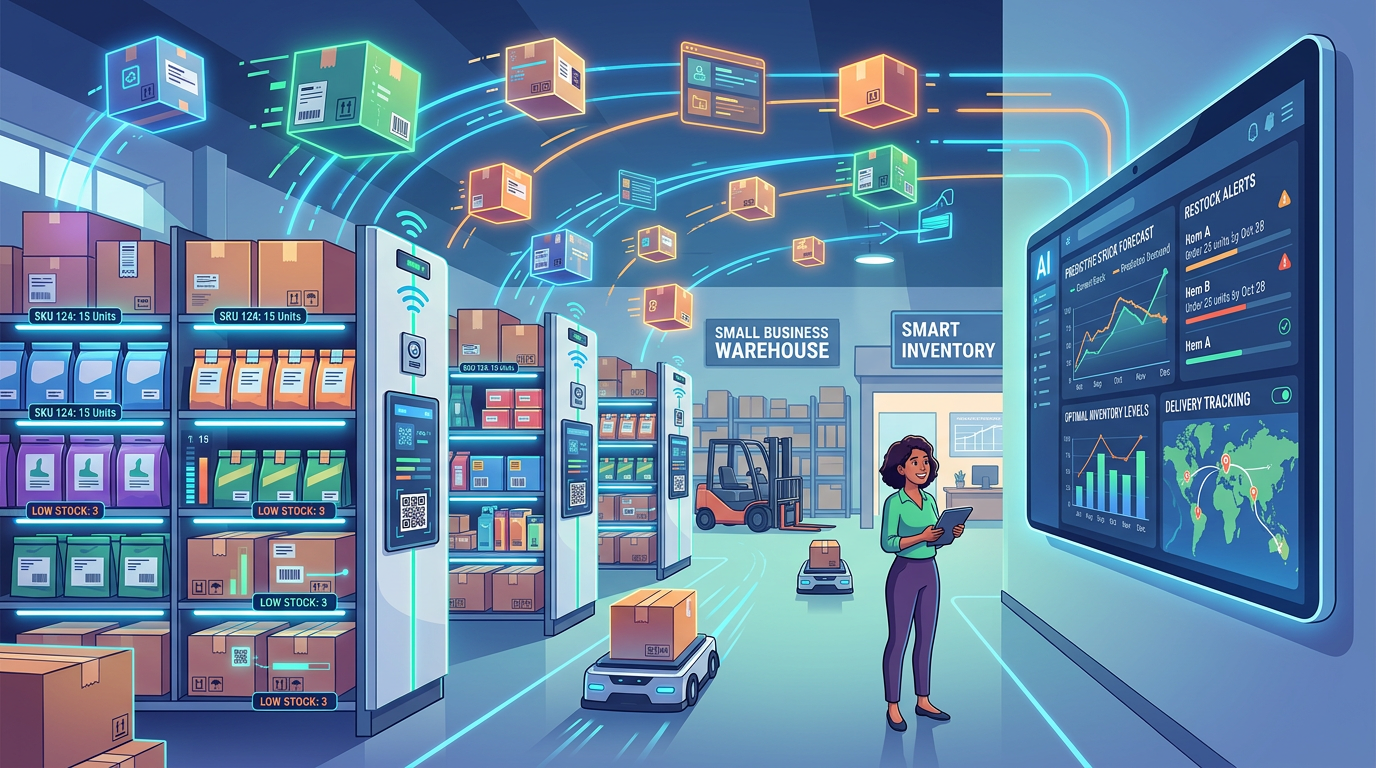
Opening: The Inventory Problem Small Businesses Face
Running out of stock on your best-selling product or sitting on shelves full of dead inventory are two sides of the same painful coin for small business owners. Yet many SMBs still rely on spreadsheets, gut feel, and manual stock counts to manage their inventory. This approach doesn't scale. According to research from the National Retail Federation, inventory shrinkage costs U.S. retailers approximately 1.4% of sales annually, with small businesses experiencing disproportionately higher losses due to less sophisticated tracking systems. AI inventory management tools are changing this game by automating demand forecasting, suggesting optimal reorder points, and keeping stock synchronized across multiple sales channels. In this guide, we'll walk you through how AI inventory solutions work, which tools fit different business models, and how to implement them without disrupting your operations.
Why AI Inventory Management Matters for Small Business
The Cost of Manual Inventory Management
Managing inventory manually consumes far more time and money than most small business owners realize. Your team spends hours counting stock, reconciling discrepancies between your system and physical location, and hunting down lost or mislabeled products. Beyond the labor cost, manual processes are error-prone. A single miscounting or data entry mistake can trigger either a costly stockout or thousands of dollars in excess inventory.
Stockouts: The Hidden Revenue Killer
When you run out of stock, you don't just lose one sale. According to research from the Harvard Business Review, approximately 40% of customers who encounter a stockout switch to a competitor. For products you rely on for recurring revenue, a week-long stockout can translate to permanent customer loss. Beyond customer switching, stockouts trigger emergency reordering at premium prices, cannibalization of resources from other projects, and reduced confidence in your brand among frustrated repeat customers.
Overstock Waste and Cash Flow Drain
The flip side is equally damaging. Overstocking ties up working capital that could be deployed elsewhere—capital you desperately need in a small business environment. Excess inventory also increases carrying costs (storage, insurance, potential spoilage or obsolescence) and can force you into expensive clearance sales that destroy margins. For perishable goods or items with short product lifecycles, overstock doesn't just drain cash; it can mean writing off entire batches as waste.
Why AI Changes the Game
AI-powered inventory management eliminates the guesswork by analyzing historical sales patterns, seasonal trends, supplier lead times, and even external factors like weather or local events to forecast demand with remarkable accuracy. This intelligence drives better decisions: you stock the right quantities at the right time, reduce emergency reorders, and free up hundreds of hours per month that your team can spend on growth-focused activities.
What AI Can Automate: Four Core Use Cases
1. Demand Forecasting with Real-Time Precision
Modern AI inventory tools ingest data from all your sales channels (e-commerce, brick-and-mortar, wholesale, marketplaces) and identify patterns humans would miss. Machine learning models learn from seasonal variations, promotional cycles, inventory levels, and even external data like social media trends or competitor activity. The result: forecast accuracy that improves over time. For example, rather than guessing that you'll need 500 units of a seasonal product in July, the system might tell you to stock 487 units based on three years of historical data plus current market signals. As detailed in our guide on how to implement AI automation in your business, even modest improvements in forecast accuracy compound into significant savings.
2. Automated Reordering and Safety Stock Optimization
Instead of manually setting reorder points and minimum stock levels, AI systems calculate optimal thresholds based on demand variability and your supplier's lead time. When inventory crosses the threshold, the system can automatically trigger a purchase order to your supplier—or suggest a specific quantity to you for approval. This eliminates the common scenario where you reorder too late and pay rush shipping, or too early and waste storage space. AI also adjusts safety stock levels seasonally, reducing excess inventory during slow periods while maintaining protection against stockouts during peak demand.
3. Warehouse and Storage Optimization
For businesses with multiple warehouses or storage locations, AI can recommend which items should be stored where based on demand patterns and distance to customers. For example, if you sell both office supplies and promotional merchandise, AI might recommend keeping high-velocity office products in your primary warehouse while relegating slower-moving promotional items to a secondary location. This reduces picking time, improves fulfillment speed, and lowers logistics costs. Some platforms also use computer vision to track inventory visually and alert you to misplaced or forgotten stock.
4. Multi-Channel Synchronization and Channel-Specific Forecasting
If you sell through your own e-commerce store, Amazon, eBay, your physical retail location, and wholesale partners, keeping inventory synchronized across all channels is a nightmare manual task. AI inventory systems integrate with all major sales channels and provide a single source of truth for available inventory. More advanced platforms forecast demand by channel, recognizing that your Amazon sales might spike differently than your wholesale orders. This prevents overselling on one channel while leaving other channels understocked.
AI Inventory Tools Compared
The following table compares six popular AI-enabled inventory management platforms designed for or accessible to small businesses:
| Tool | Best For | Starting Price | Key AI Features | Integrations | Scalability |
|---|---|---|---|---|---|
| Cin7 | Omnichannel e-commerce | $100/month | Demand forecasting, multi-location, automated reordering | 500+ integrations, all major channels | SMB to mid-market |
| inFlow | Inventory + purchasing coordination | $49/month | Purchase order suggestions, reorder point optimization | QuickBooks, Shopify, Amazon | SMB to growth-stage |
| Zoho Inventory | Integrated business management | $29/month | Smart reorder automation, demand forecasting | Zoho suite, Shopify, WooCommerce, QuickBooks | SMB to mid-market |
| TradeGecko/QB Commerce | Wholesale and distribution | $199/month | Multi-warehouse demand forecasting, purchase automation | 500+ integrations, all major platforms | SMB to enterprise |
| Katana | Manufacturing and made-to-order | $99/month | Material requirements planning, production forecasting | Shopify, WooCommerce, Etsy, QuickBooks | SMB, production-focused |
| NetSuite | Enterprise-grade operations | $999/month+ | Advanced ML forecasting, supply chain optimization | Fully integrated suite | Mid-market to enterprise |
Note on pricing: Prices reflect entry-level tiers as of March 2026 and often include limited integrations or user seats. Most vendors increase costs with additional users, advanced AI features, or premium support.
How to Choose the Right AI Inventory Tool for Your Business
Step 1: Map Your Current Pain Points
Start by identifying which inventory challenges hurt you most. Are you losing sales due to stockouts? Sitting on excess inventory? Struggling to synchronize multiple sales channels? Spending excessive time on manual reordering? Different tools excel at different problems. If stockouts are your primary issue, prioritize tools with strong demand forecasting capabilities like Cin7 or TradeGecko. If you operate in manufacturing or made-to-order, Katana's production-focused features may be more valuable than a pure retail inventory tool.
Step 2: Evaluate Integration Requirements
Your inventory tool only works if it connects seamlessly to your existing systems: e-commerce platform, accounting software, warehouse management system, and sales channels. Before selecting a tool, audit your current stack and verify the vendor supports your specific integrations. For example, if you're a Shopify-first business using QuickBooks for accounting, Zoho Inventory's native Shopify + QuickBooks integration might eliminate manual syncing work. If you use niche platforms, check whether the tool supports API-based custom integrations before moving forward.
Step 3: Assess AI Sophistication and Transparency
Not all AI forecasting is created equal. Some platforms use simple exponential smoothing or rule-based reorder points, while others employ machine learning models that learn and improve over time. Ask vendors to explain their forecasting methodology. Can they show you how demand predictions are calculated? Do they account for seasonality, external factors, and multiple sales channels? Tools like Cin7 and TradeGecko publish case studies showing forecast accuracy improvement over time. More sophisticated AI typically costs more, but the ROI compounds as your business scales.
Step 4: Consider Implementation Burden and Support
A powerful tool is worthless if your team can't use it or if implementation stalls for months. Evaluate the vendor's onboarding process, user interface complexity, and available support. Does the tool offer guided implementation, video training, or dedicated onboarding support? Can you start with basic features and layer in advanced AI as your team becomes comfortable? For small teams with limited IT resources, prioritize ease of implementation and strong customer support over feature maximalism.
Step 5: Calculate Potential ROI
Before committing, project the financial impact. If you currently lose 2% of revenue to stockouts and your total revenue is $500,000, that's $10,000 in lost sales annually. If a 15% improvement in forecast accuracy prevents even half of those stockouts, you've justified the software cost many times over. Similarly, if your excess inventory ties up $50,000 in cash and better forecasting reduces that to $40,000, that's $10,000 freed up for growth initiatives. Build a simple ROI spreadsheet comparing the tool's cost against projected improvements in stockout reduction, inventory carrying costs, and labor hours saved. As outlined in our ROI calculation guide, even conservative assumptions often show strong payback periods for inventory AI.
Implementation Guide: Getting Started Without Chaos
Phase 1: Preparation and Data Cleaning (Weeks 1-2)
Before your system goes live, invest time in data hygiene. Export your historical inventory and sales data from your current system and audit it for errors: duplicate SKUs, inconsistent product naming, gaps in historical records. AI thrives on clean, consistent data. Garbage in means garbage out. If your data quality is poor, many platforms offer data cleaning services or will help your team standardize formats and naming conventions. You should also identify your top 20% of products (using the Pareto principle) and prioritize these for careful setup, since they likely drive 80% of your revenue.
Phase 2: Soft Launch with Audit Mode (Weeks 3-4)
Most mature AI inventory platforms offer "audit mode" or "suggestions only" functionality where the system makes recommendations but doesn't automatically trigger purchase orders. Start here. Run the system in parallel with your existing process for 2-4 weeks, comparing its suggested reorder points and forecasts against your manual decisions. This allows your team to build confidence in the AI without risking errors, and it gives the system time to learn your specific business patterns. Document discrepancies where the AI's suggestions seem off-base; often these surface data quality issues or business logic the system doesn't yet understand.
Phase 3: Gradual Automation (Weeks 5-8)
After audit mode validation, enable automated purchase order suggestions with a manual approval step. Your team approves orders before they're sent to suppliers, preventing catastrophic errors while still capturing most of the efficiency gains. Over this period, accumulate several cycles of AI performance data. Track forecast accuracy month-over-month and measure how many of the AI's recommendations your team approves versus overrides. If approval rate is consistently below 70%, investigate why; the system may need tuning or your team may need additional training.
Phase 4: Full Automation and Ongoing Optimization (Week 9+)
Once you're confident in the system's recommendations and approval rates exceed 90%, consider enabling full automation for low-risk, high-velocity items (your A-category SKUs with stable demand). Keep high-risk items (slow movers, high-value, or items with volatile demand) under manual supervision longer. Establish a monthly review cadence where you audit forecast performance, adjust parameters as needed, and gather feedback from your warehouse and fulfillment teams.
Key Considerations: What Can Go Wrong and How to Prevent It
Data Quality Is Non-Negotiable
AI inventory systems only work as well as the data they're fed. If your historical sales data contains gaps, is riddled with one-off bulk orders, or mixes different sales channels inconsistently, your forecasts will be inaccurate. Before implementation, invest in a data audit and establish data governance practices. For example, ensure that all sales are logged consistently regardless of channel, that returns are recorded properly, and that supply disruptions are flagged in your historical data so the AI doesn't treat them as normal demand patterns.
Supplier Lead Times and Variability
AI forecasting assumes relatively stable supplier lead times and reliability. If your primary supplier frequently delivers late or your lead times vary wildly by season, the AI will struggle to set appropriate safety stock levels. Before implementation, document actual lead times, identify seasonal variations, and flag unreliable suppliers. Many platforms allow you to input multiple suppliers for the same product with different lead time profiles, giving the AI more flexibility.
Seasonal and One-Off Spikes
AI systems trained on historical data sometimes struggle with unprecedented demand spikes or new product launches that lack historical precedent. Before your busiest season, work with your platform to adjust forecasts based on planned promotions or events. Similarly, when launching a new product, expect to manually guide the system through its first 60-90 days of operation before AI models have enough historical data to forecast accurately.
Integration and Sync Lag
Multi-channel inventory systems can suffer from synchronization delays, where sales on Amazon take 30 minutes to appear in your main system, leading to overselling. Understand your platform's sync frequency and any potential lag windows. Some platforms offer near-real-time sync; others batch-update hourly. Plan your safety stock buffers accordingly.
Change Management and Team Buy-In
Even the best AI system fails if your warehouse team doesn't trust it or your purchasing manager overrides every recommendation. Invest in training and communication. Explain to your team how the AI works, show them the data driving its decisions, and celebrate early wins. Make the AI's success a team goal rather than an imposed change.
The Bottom Line: AI Inventory Management Is No Longer Optional
Small businesses can no longer compete with manual inventory management. Stockouts destroy customer relationships and revenue. Excess inventory drains cash and distracts from growth. AI inventory tools eliminate these problems by automating demand forecasting, reordering, and multi-channel synchronization. The best tool for your business depends on your sales channels, product complexity, current tech stack, and specific pain points. Start by identifying your biggest inventory challenges, map your integration requirements, and then evaluate platforms based on implementation burden and projected ROI.
The barrier to entry has never been lower. Entry-level plans from Cin7, Zoho Inventory, and inFlow cost under $100 per month. For that investment, you gain the forecasting power of a data science team. The payback typically comes within the first 3-6 months through eliminated stockouts and reduced excess inventory. If you're currently managing inventory manually or with basic spreadsheet tools, implementing AI-powered inventory management should be a top priority for Q2 2026.
Frequently Asked Questions
Q: How accurate are AI demand forecasts for seasonal products? A: AI forecasting accuracy depends heavily on historical data quality and the platform's sophistication. Tools like Cin7 and TradeGecko typically achieve 85-95% forecast accuracy for products with stable demand and clear historical patterns. Seasonal products are trickier; forecast accuracy improves after the system sees 2-3 complete seasonal cycles. If you're launching a new seasonal product with no historical data, expect to manually guide the forecast for the first 90 days.
Q: Do I need to hire someone to manage the AI inventory system? A: Most small businesses don't need dedicated headcount. Entry-level implementation and ongoing management typically requires 5-10 hours per week for a business with 500-1,000 SKUs. If you have an existing inventory manager or purchasing coordinator, they'll spend less time on data entry and manual reorder calculations, freeing capacity for strategic work like supplier negotiation or seasonal planning.
Q: What happens if I have multiple warehouses? A: Advanced platforms like Cin7, TradeGecko, and NetSuite excel at multi-warehouse management. They forecast demand by location, suggest reorder quantities per warehouse, and optimize inventory distribution to minimize fulfillment time and shipping costs. Single-warehouse-focused tools like Katana may require workarounds or custom integration.
Q: Can I start small and upgrade later? A: Yes. Most vendors offer entry-level plans with basic AI features (demand forecasting, simple reorder automation) that are suitable for SMBs. As you grow and add sales channels or warehouse locations, you can upgrade to higher-tier plans with advanced features. Ensure your chosen platform has a clear upgrade path rather than forcing a tool swap later.
Q: How do I handle unexpected demand spikes or supply disruptions? A: Good AI inventory systems include manual override capabilities. If you know a promotion will drive a 300% demand spike, you can manually adjust the forecast. Similarly, if a supplier notifies you of a disruption, you can flag it in the system so the AI doesn't treat it as normal demand variability. Document these overrides so the system learns to recognize similar patterns in the future.